low_level
English | 日本語
Overview
- This sample extracts the low-level example from the "standard usage" section of
README.mdso it can be run directly without modification - It connects
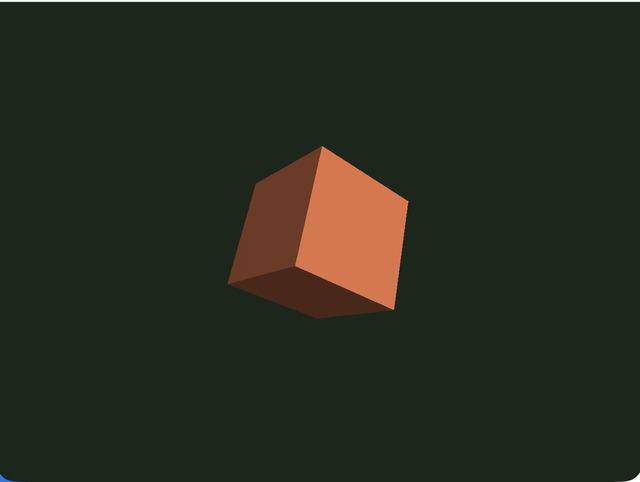
Screen,SmoothShader,Space,Shape, andPrimitivedirectly and builds a minimal 3D display without usingWebgApp - At startup it initializes WebGPU and the shader, sets the projection matrix, and then places only a single cube in the scene
- The object rotates a little every frame, so the directions of the edges and faces keep changing and you can directly inspect the sense of volume and how the light hits it
- The canvas size and projection are updated on
resizeandorientationchange, so the aspect ratio stays stable on both desktop and mobile devices
How to Run
- Open ./low_level.html
- Use a browser with WebGPU support, and check the help panel and HUD together with the sample when needed
webg Features Used
Screen: handles canvas setup and WebGPU initializationSmoothShader: the standard shader used for this minimal solid renderingMatrix: creates the projection matrixSpace: holds the scene graph and draw orderShape: bundles primitives into GPU buffers and materialsPrimitive: creates the cube mesh
Checkpoints
- Right after startup, confirm that a blue cube appears at the center and rotates automatically over the dark background
- Confirm that the cube rotates little by little around both Y and X, changing edge directions and lighting
- Confirm that even after browser-window resize or smartphone rotation, the cube does not look squashed and the aspect ratio is preserved
- Confirm that even without
WebgApp, the minimal display still works in the orderScreen -> shader -> projection -> Space -> Shape -> draw
Controls
- This sample plays automatically and has no interactive controls